Table of Contents
Sangoma Responsive Firewall
AWS FreePBX supports, and we strongly recommend the use of, the Sangoma Responsive Firewall for FreePBX. This guide will show you how to perform first setup and update configuration as needed to provide an additional layer of protection for your AWS FreePBX systems.
The System Firewall does NOT replace the EC2 Security Group for port restrictions! The Responsive Firewall supplements and works alongside the EC2 Security Group port management to provide a key layer of security that should not be forsaken. YOU ARE NOT REQUIRED TO ENABLE THE RESPONSIVE FIREWALL but we do recommend that all reasonable security measures be taken in an ever-evolving internet landscape.
The guide you are currently reading is to aid AWS FreePBX customers with parameters that may be specific to these deployments. The complete Firewall documentation from Sangoma can be found here: https://sangomakb.atlassian.net/wiki/spaces/PG/pages/26181896/Responsive+Firewall
Enabling the Firewall
Head to ''Connectivity > Firewall'' on the AWS FreePBX GUI
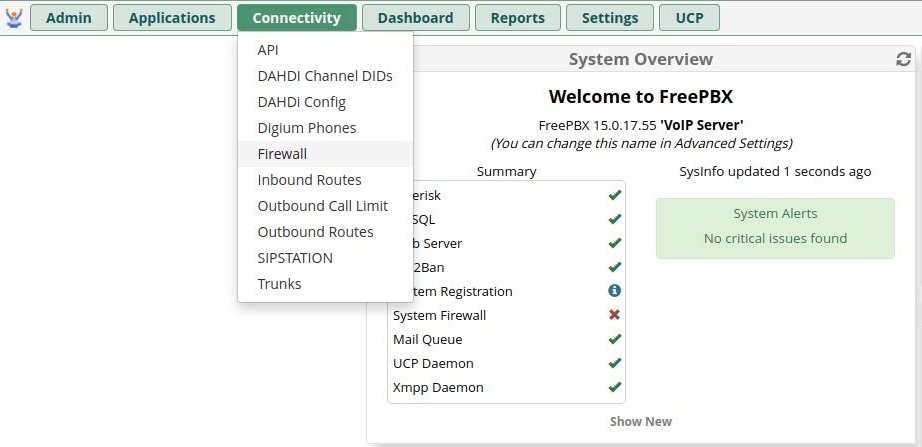
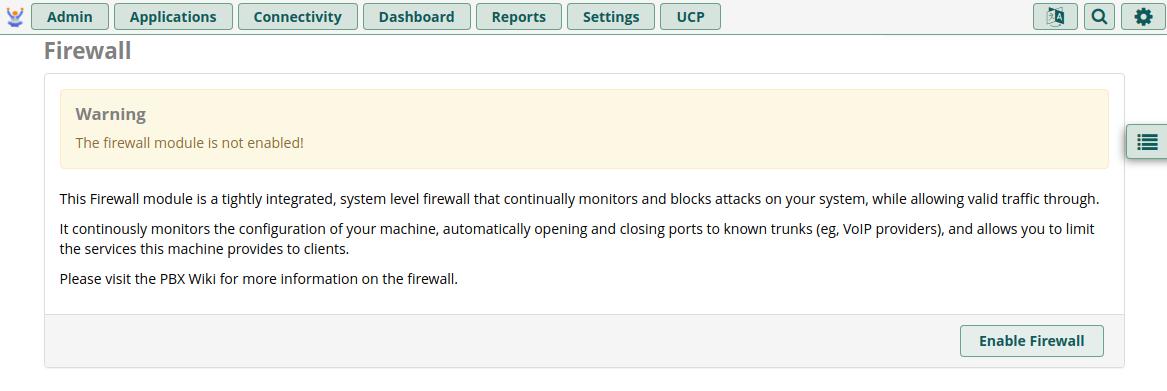
Then click Enable Firewall
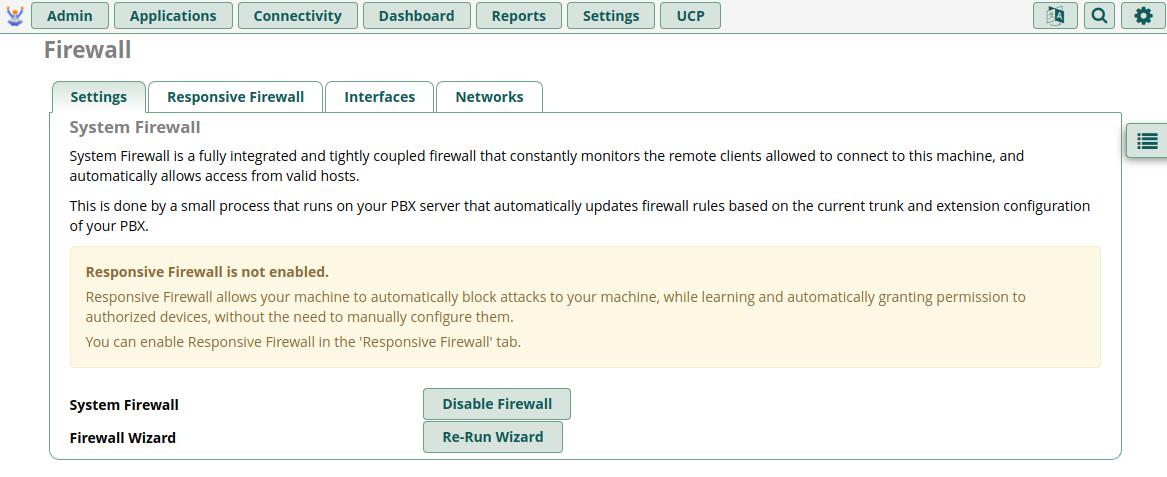
You'll be taken to the main Settings tab. Click the Re-Run Wizard button to set necessary defaults
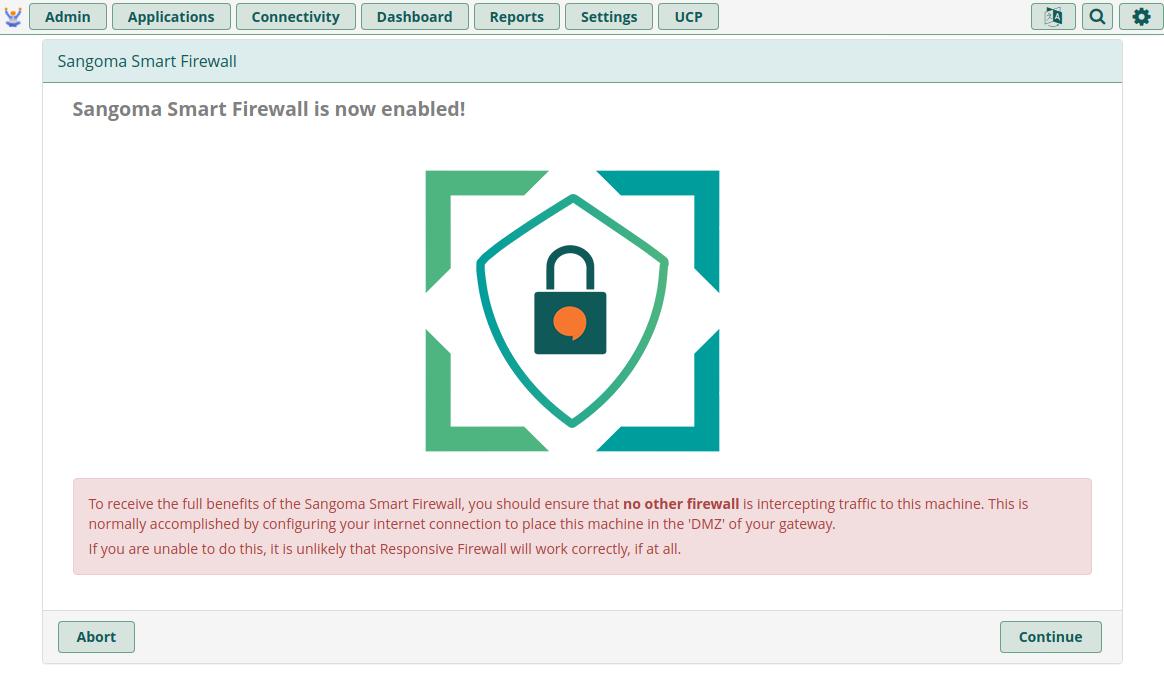
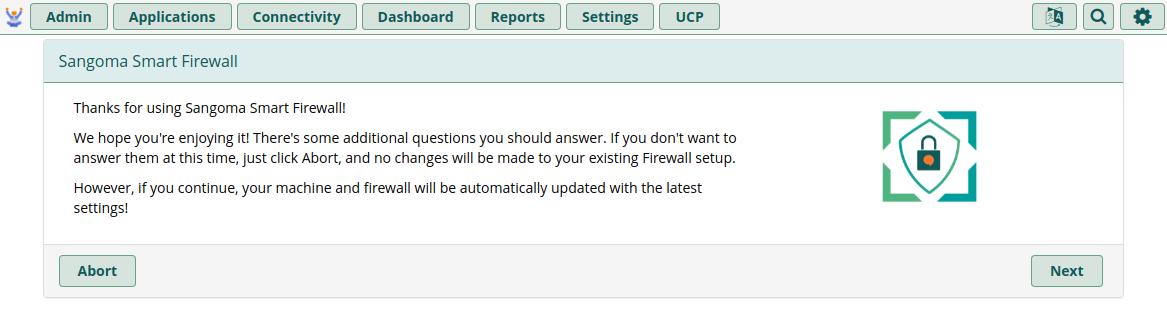
You can disregard the red warning about other firewalls (remember: EC2 SGs are an exception to this) and simply click Continue followed by Next on the second welcome screen
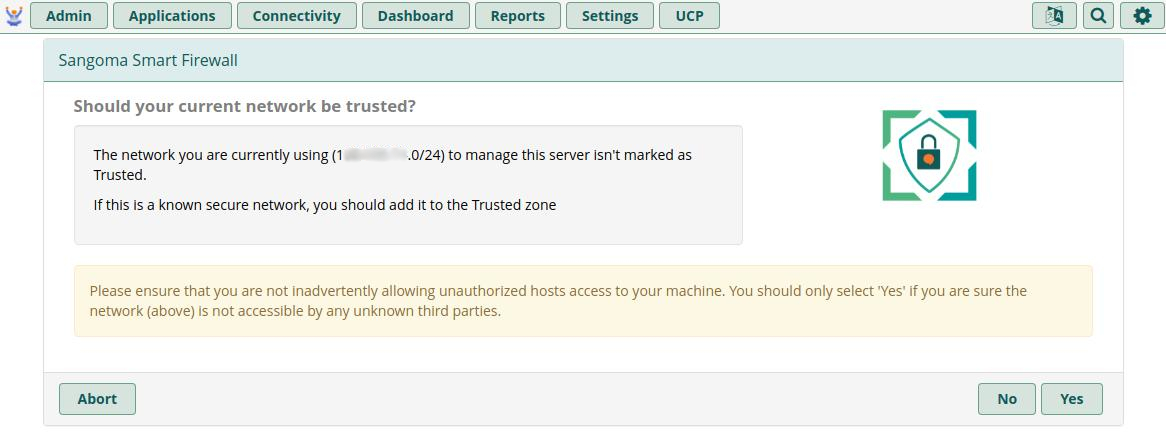
You will be asked if you want to add your current local network's Internet subnet to the Trusted list. If you are currently using your Company's main internet to run this wizard, this will save you a step later if you click Yes. If you do not want to add your current internet subnet to the trusted list, you can click No
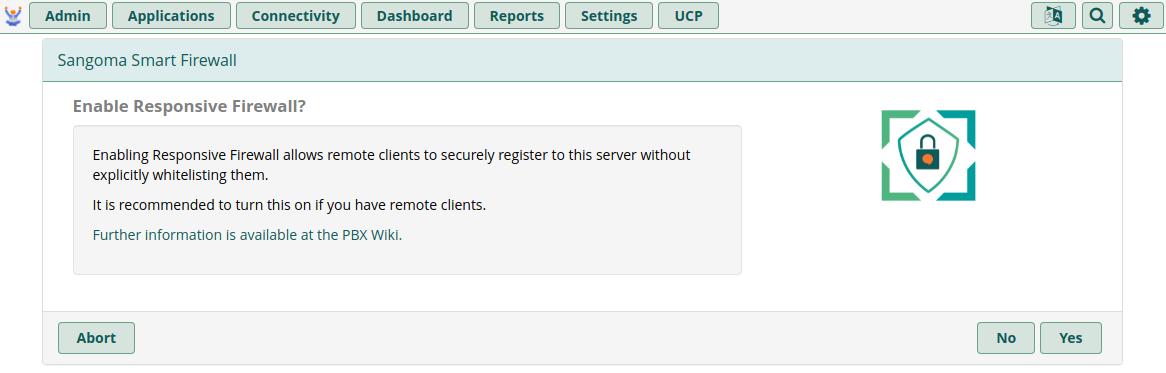
You must click Yes on the Enable Responsive Firewall page to take advantage of the Firewall's benefits
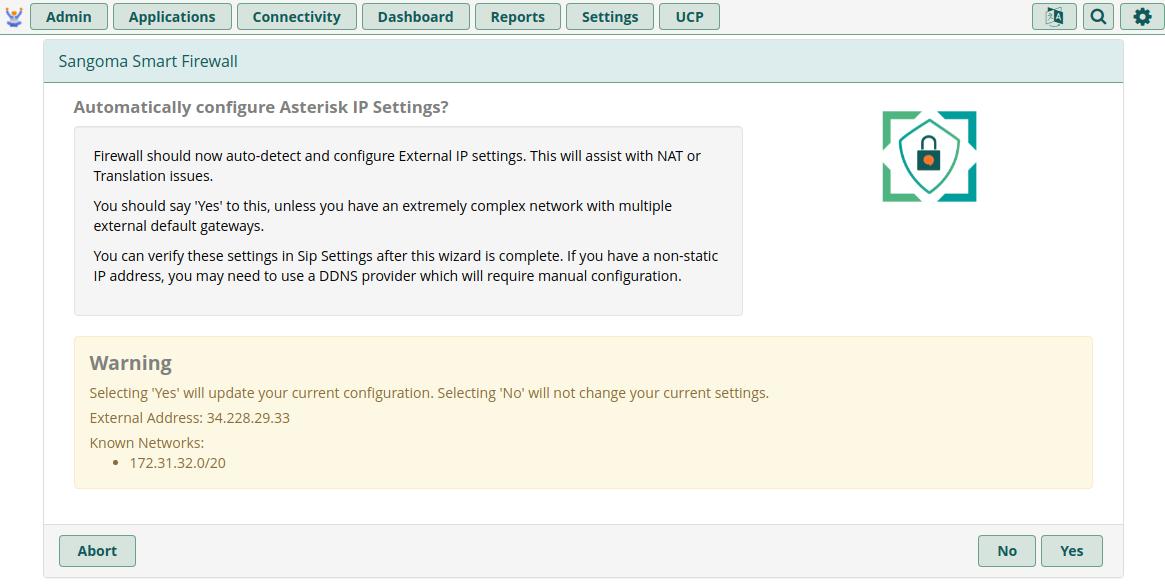
On this final page of the wizard, YOU MUST CLICK NO! The Yes button will not do anything and the wizard won't properly exit.
After clicking No, you'll be taken back to the main Settings page. Use the rest of this guide to configure the remainder of the Firewall sections. THIS IS NOT OPTIONAL!
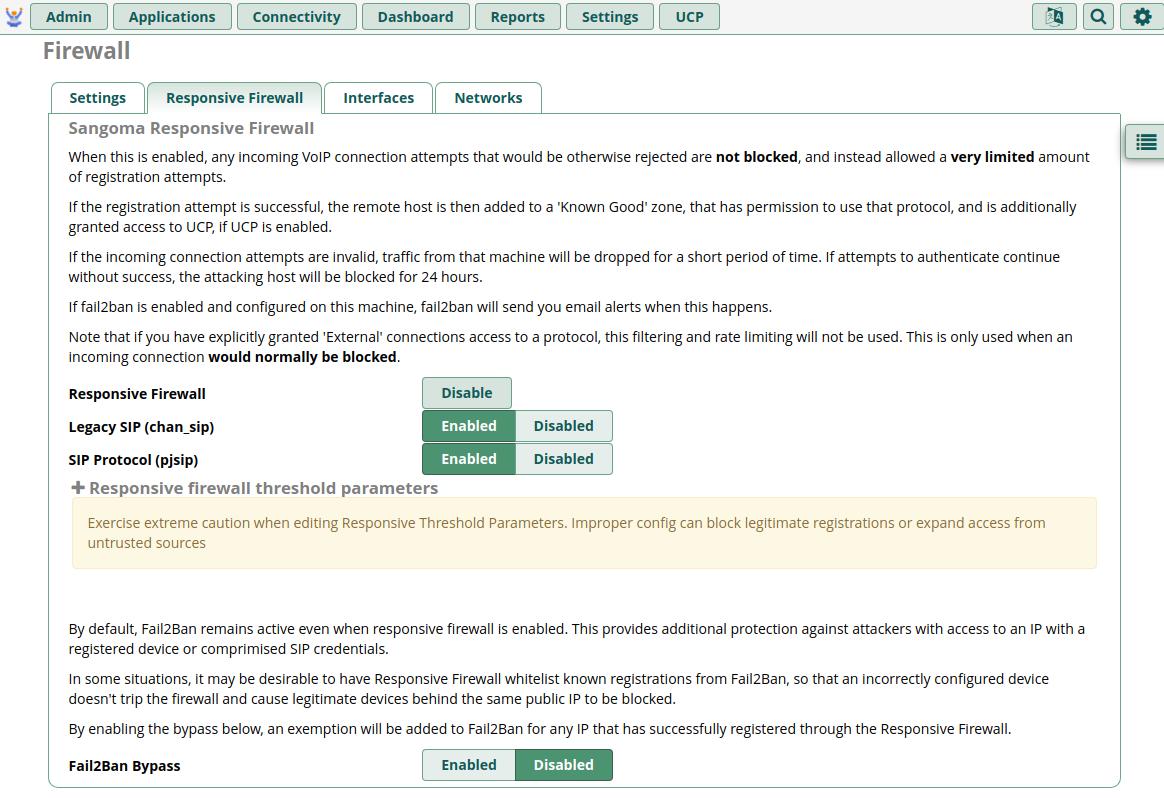
Responsive Firewall tab
On this tab, you will want to ensure all Protocols (SIP Protocol, IAX, etc) in the first section are set to Enabled. You'll likely want to leave Fail2Ban Bypass set to Disabled, unless you want to weaken security a little by setting a trust for entire subnets when a single user properly authenticates.
You do NOT need to expand or alter the Responsive Firewall Threshold Parameters section.
Interfaces Tab
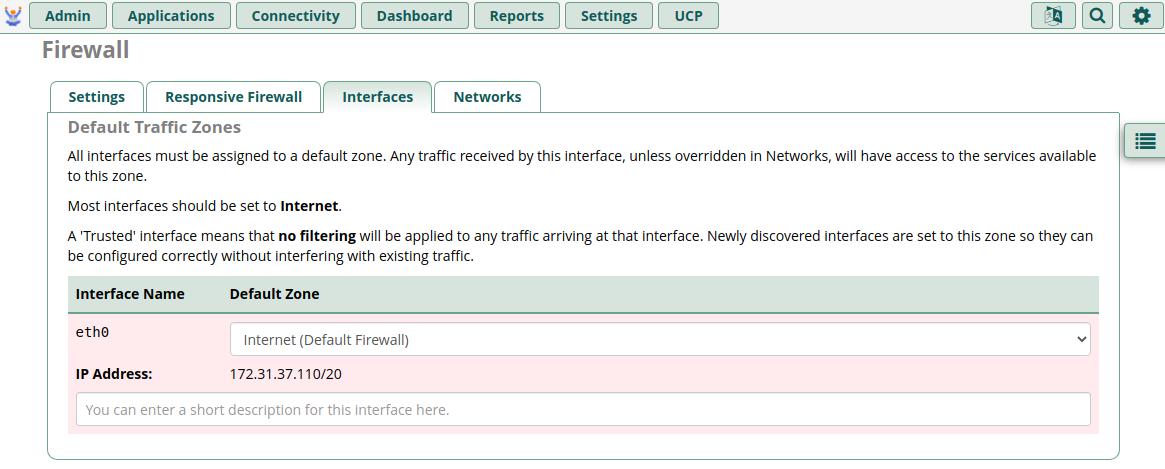
On this tab, you need to properly configure the Zones for any network interfaces. By default, you'll only have one Interface, which is the main virtual Ethernet adapter of your Instance. It will be identified as “eth0” but you may also have additional interfaces for things like the OpenVPN support (tun0) if you have enabled it.
eth0 MUST be set to Internet (Default Firewall) zone because this is the interface that connects you to the public internet.
If you are concerned about other systems on your AWS VPC being able to connect to your AWS FreePBX instance, fear not, as we will be covering this on the Networks tab next
Networks Tab
Here you will specify your known networks and set how each will be treated by the Firewall. The + adds additional entry slots to the list.
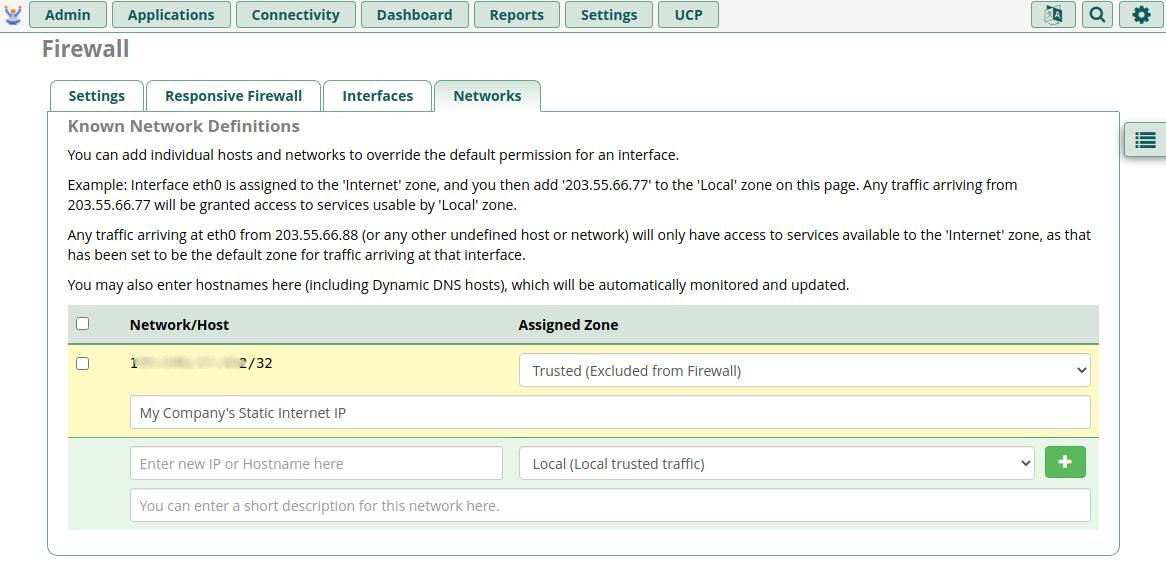
You should specify the following types of IPs/CIDRs here:
- Your known Company Network Static Internet IP
- Recommended Type:
Trusted (Excluded from Firewall) - NOTE: Single IP entries will automatically have the /32 CIDR notation added to them
- Your VPC CIDR if you are using other servers on the same VPC that need to unfettered access to the PBX
- Recommended Type:
Local (Local trusted traffic) - If you are using APIs or 3rd party products like an independent QueueMetrics reporting server, this will be needed
- Your 3rd Party or AWS VPN CIDR
- Recommended Type:
Local (Local trusted traffic) - NOTE: This is NOT required if you are using the built-in OpenVPN (tun0) support, as this will be included on the Interfaces tab
- Any 3rd Party Monitoring Systems
- Recommended Type:
Trusted (Excluded from Firewall) - If you use a monitoring system like Uptime.com or the like, you'll want to add their monitoring networks unless they authenticate to a service on your PBX as part of their check. Otherwise, they will likely be blocked by the Firewall
DISABLING THE FIREWALL IF YOU COMPLETELY LOSE ACCESS
In the rare event that you happen to lock yourself out by way of the Responsive Firewall (you misconfigure the Interfaces, etc), you have two options for regaining access:
- Use the EC2 Serial Console to temporarily disable the firewall
NOTE: You MUST have enabled the EC2 Serial Console via SSH BEFORE this incident to use this option Read this for information on enabling EC2 Serial Console: https://app.flashissue.com/newsletters/cfe0edabb537f3f3fde6fe2701fe03025ffa112a
- Once connected to the EC2 Serial Console, use
fwconsole firewall stopto temporarily stop the service and flush the iptables, allowing normal access to the instance until a reboot or the service is started again. At this point, you should use the GUI to fix your misconfiguration. - The full list of command line options for Firewall can be found here: https://sangomakb.atlassian.net/wiki/spaces/PG/pages/25985189/PBX+GUI+-+Firewall+Command+Line
- Use the EC2 main Console to reboot the instance twice within 5 minutes
- On the EC2 Console, select the AWS FreePBX Instance, then
Actions > Reboot - Wait for EXACTLY 3 minutes to allow core services to start up!
- Choose
Actions > Rebootagain - Wait for approximately 5 minutes for the instance to reboot a second time, then attempt to access via SSH or the GUI
- Be persistent in refreshing your browser or reconnecting your SSH client, as it will take a few minutes for services to spin up after the reboot, but the Firewall should have disabled itself on the second reboot